Project identity
An interface between your apps and the CLIs you already use.
SheLLM connects one owner's software to their own subscriptions through the official CLIs. The identity takes its shape from that work: the terminal prompt >_, straight lines and a cyan accent.
The mark
The chevron opens the prompt; the cyan line works as the cursor and ties into the two Ls of the name. Keep the SVG's geometry and proportions. The logo is made of paths: it works without downloading fonts.



Leave at least the height of its cursor around the logo. Use the mark alone only for the favicon and the installed shortcut. The maskable icon has an opaque background and a composition that fits the circular safe zone; keep that file when exporting for Android.

Color by role
Cyan marks identity and actions. Green, amber and red communicate states; they never replace text. The values on this page are generated from the dashboard's stylesheet.
- Identity and actions
primary-container- Background
surface- Grouped content
surface-container- OK
status-ok- Attention
status-warn- Readable error
error
For small text on dark backgrounds, use error. Keep status-fail for chart marks and indicators. The canonical values live in custom.css.
Type and shape
Space Grotesk carries the name and the hierarchy; Inter carries the explanation; the system monospace stack shows requests, commands and data. Square corners and the space between groups keep the character of a tool.
Observed usage
not priced
A request with no reported cost is still activity. An unknown value is never drawn as zero.
Connect my appHow SheLLM speaks
Describe the result, the value and its limit. Use concrete verbs. The API equivalent is an estimate, not a charge; installing is a shortcut to the dashboard, not a promise of offline work. Avoid guarantees the product cannot prove.
When sharing
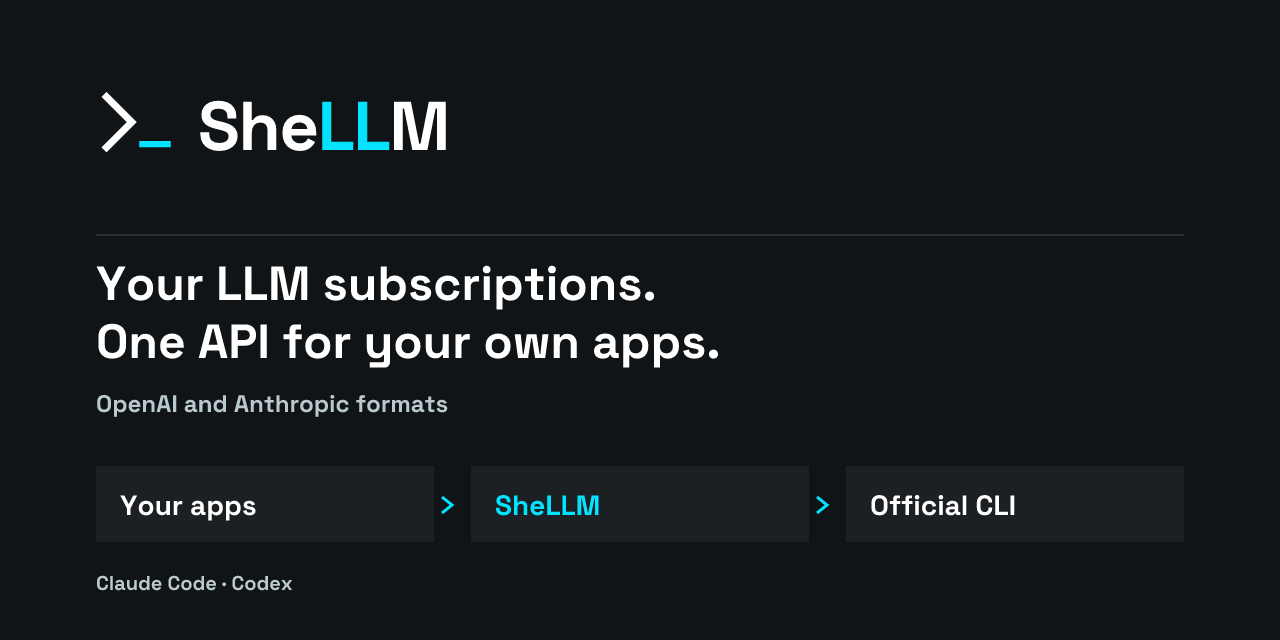
The landing page references this card. The repository's GitHub preview is set separately with the same PNG.